The Phrase Studio team shows the entire end-to-end video localization process on the Phrase Platform, from transcription and subtitling to dubbing. Plus a first look at what’s coming next, straight from the people building it.
See exactly how the fastest localization teams are doing in hours what used to take weeks, and walk away ready to do the same.
Leave this session with:
- The confidence to finally say yes when someone asks “can we localize this video?”
- Proof that localized video can sound and feel like it was made for your audience
- A way to bring video into your localization process without adding vendors, tools, or chaos
- A roadmap preview most teams won’t see until it ships
The teams localizing video now are pulling ahead. You can be one of them.
Seats are limited & the recording won’t be publicly available right away.
Meet the team:

Alicia Cosh
Principal Solutions Engineer, Phrase
Alicia turns complex localization challenges into workflows that actually ship. She’s run more Studio demos than anyone on the team, and knows exactly where real implementations break down.
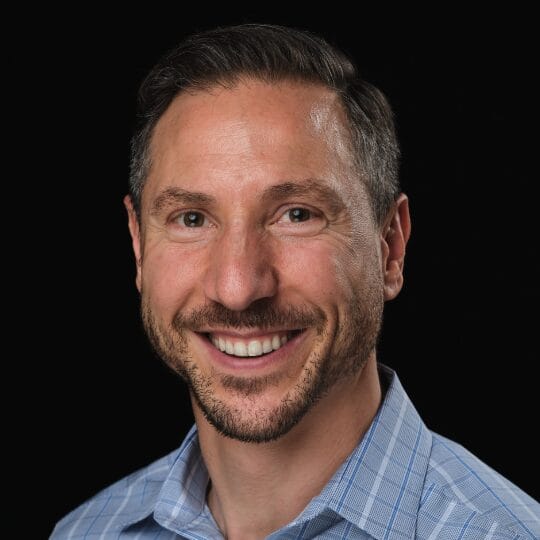
Semih Altinay
VP of AI Solutions, Phrase
Semih has spoken to more localization teams about video than almost anyone in the industry. He knows what’s blocking you, and what the path forward actually looks like.
A few quick questions
What does the session cover?
A look at why video localization is still broken for most teams, a live walk-through of Phrase Studio, and an open Q&A with the team.
Who this is for?
This session is for localization professionals, content owners, and anyone who’s ever looked at their video library and wondered why none of it is localized
Do I need to already be using Phrase Studio?
No. The session is designed to be useful whether you’re already using Phrase or just exploring your options.
Will there be a recording?
Yes. But you need to register to receive the recording.
How long is it?
45-60 minutes, including Q&A.